
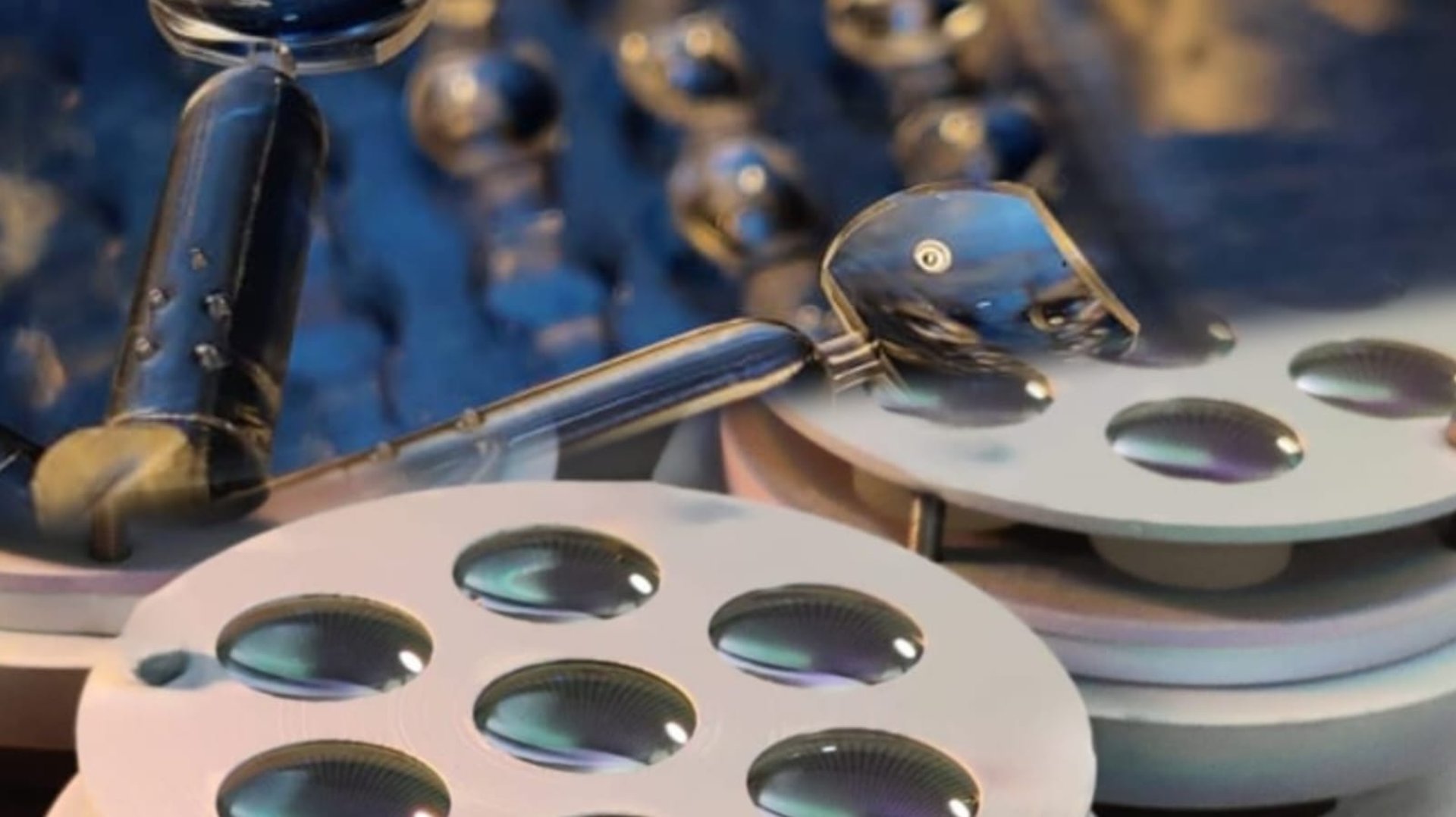
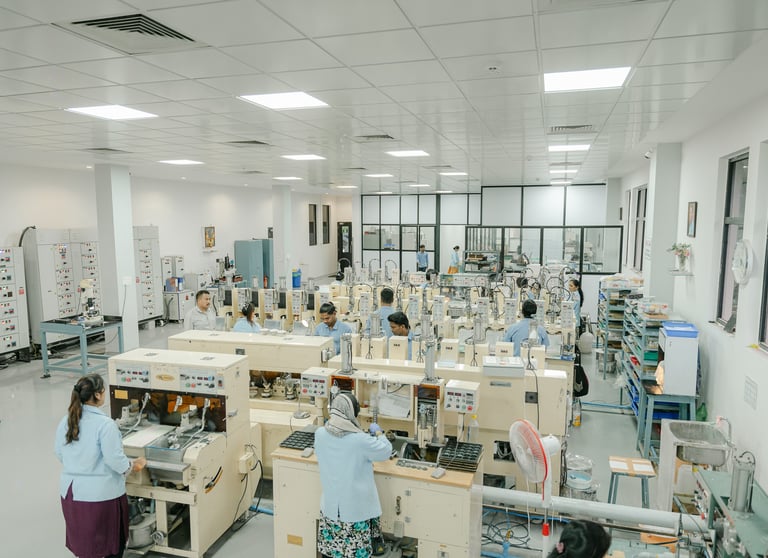
Manufacturing High Quality Precsion Glass Optics - Singlets, Doublets
Precision Optics for a High-Tech World
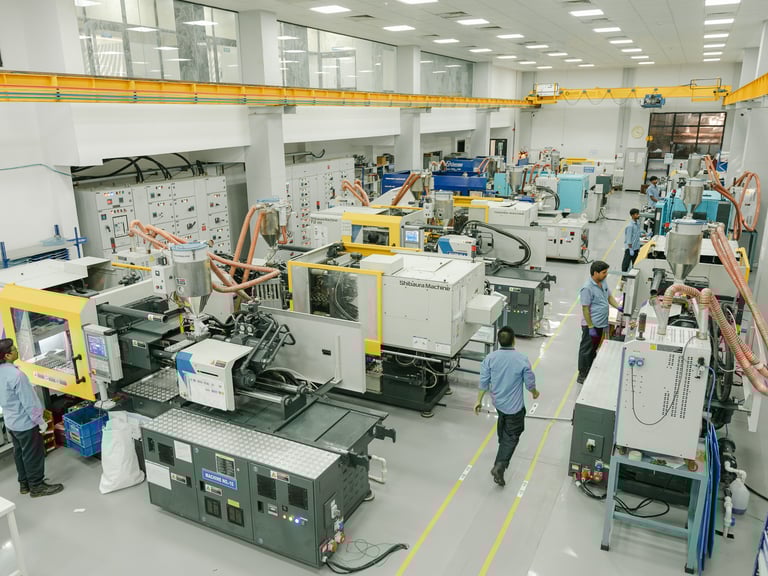
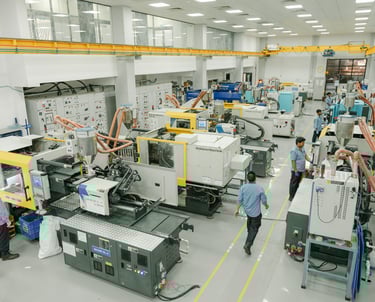
Manufacturing Precision Molded Plastic Optics
Customizable Product Range of Illuminated Flexible Arm Mangifiers and Video Inspection Systems
Supply of Anti Refleciton Coatings on Glass and Plastic Optics
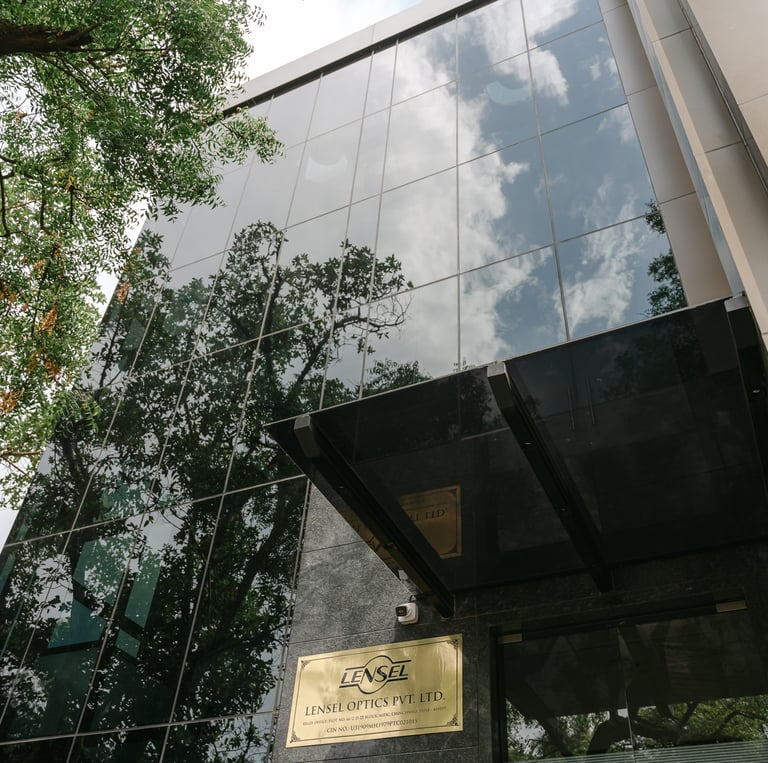
Leading manufacturer of precision optics in Pune, India, specializing in contract manufacturing of glass and plastic optics. Explore our sophisticated capabilities and reliable services.
Precision Optics Manufacturing Excellence
50+
15
Countries
Customers
Lensel Optics Pvt. Ltd. specializes in precision optics manufacturing of glass lenses, injection molded plastic lenses, anti-reflection coatings, and contract manufacturing of optical sub-assemblies. We support our customers right from prototype manufacturing to bulk supply.

Our Services
Precision optics manufacturing and contract services tailored for global business partners and industries.
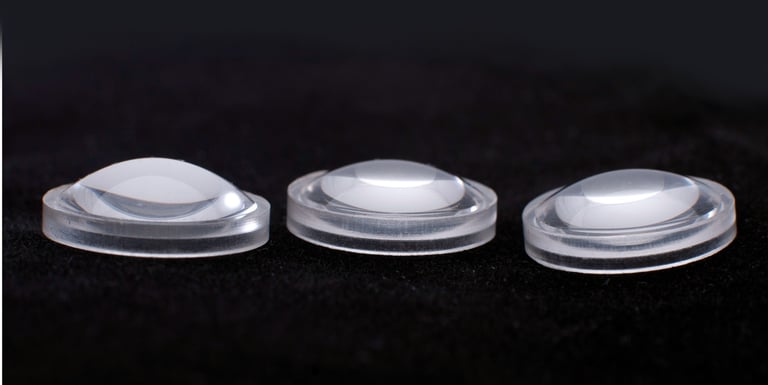
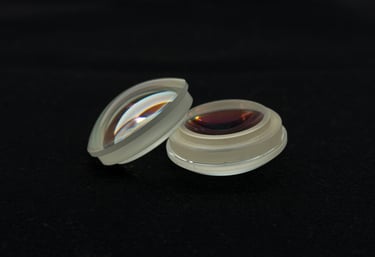
We manufacture precision spherical, aspheric, filter, insert-molded components, lenses etc.
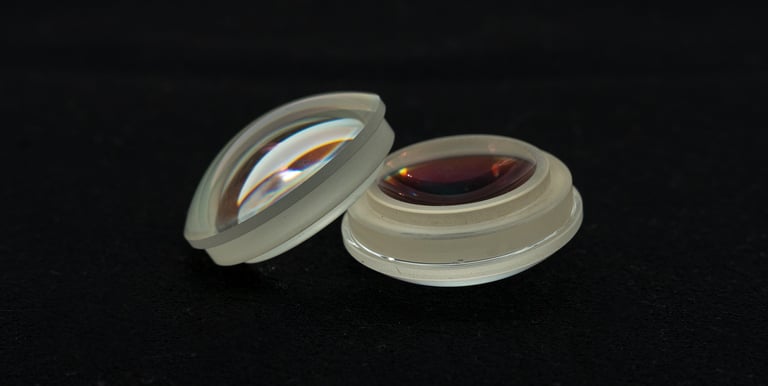
We manufacture precision AR coated and uncoated glass lenses for use in defense, medical and commercial optics.
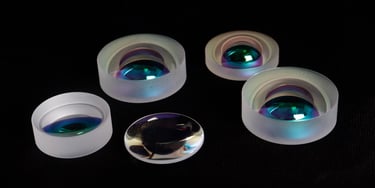
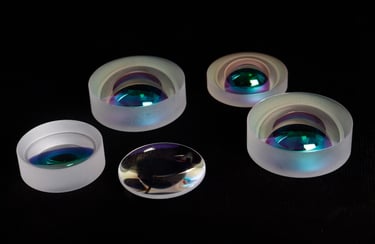
We do multi-layer BBAR coatings and single layer MgF2 coating on both glass and plastic lenses.
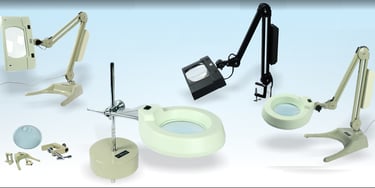
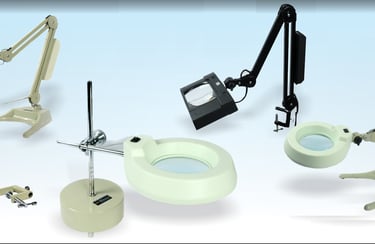
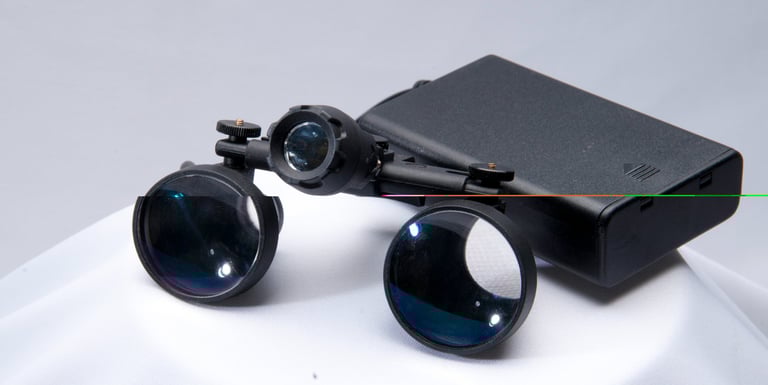


Range of Flexible Arm Illuminated Magnifiers are widely used for industrial applications.
Advanced test equipment to ensure that only the best quality optics is delivered to our customers.
Our diverse skill-set and integrated manufacturing line used to manufacture complete products

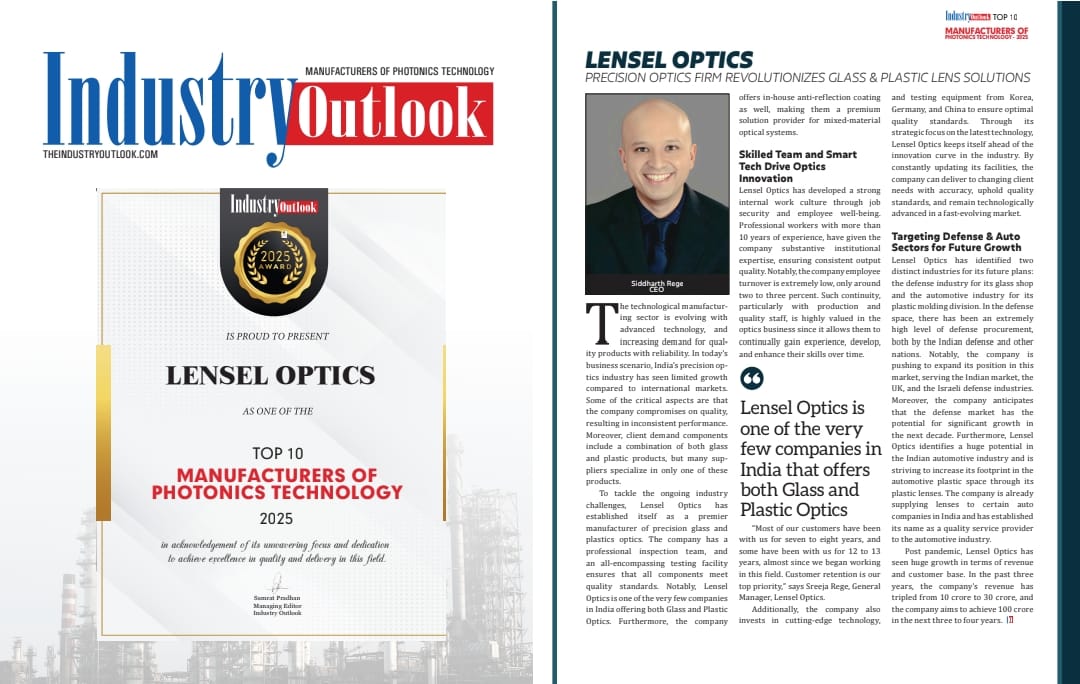
ISO 9001:2015 CERTIFIED
MSIL GREEN RATED SUPPLIER
Global Presence


We have sold to customers in the following countries

Product & Services
Contact us
sales@lenseloptics.com
© 2025. All rights reserved.
66/2, D2, MIDC, Chinchwad,
Pune 411019, India.
lensel.optics@gmail.com
+91-20-27474340